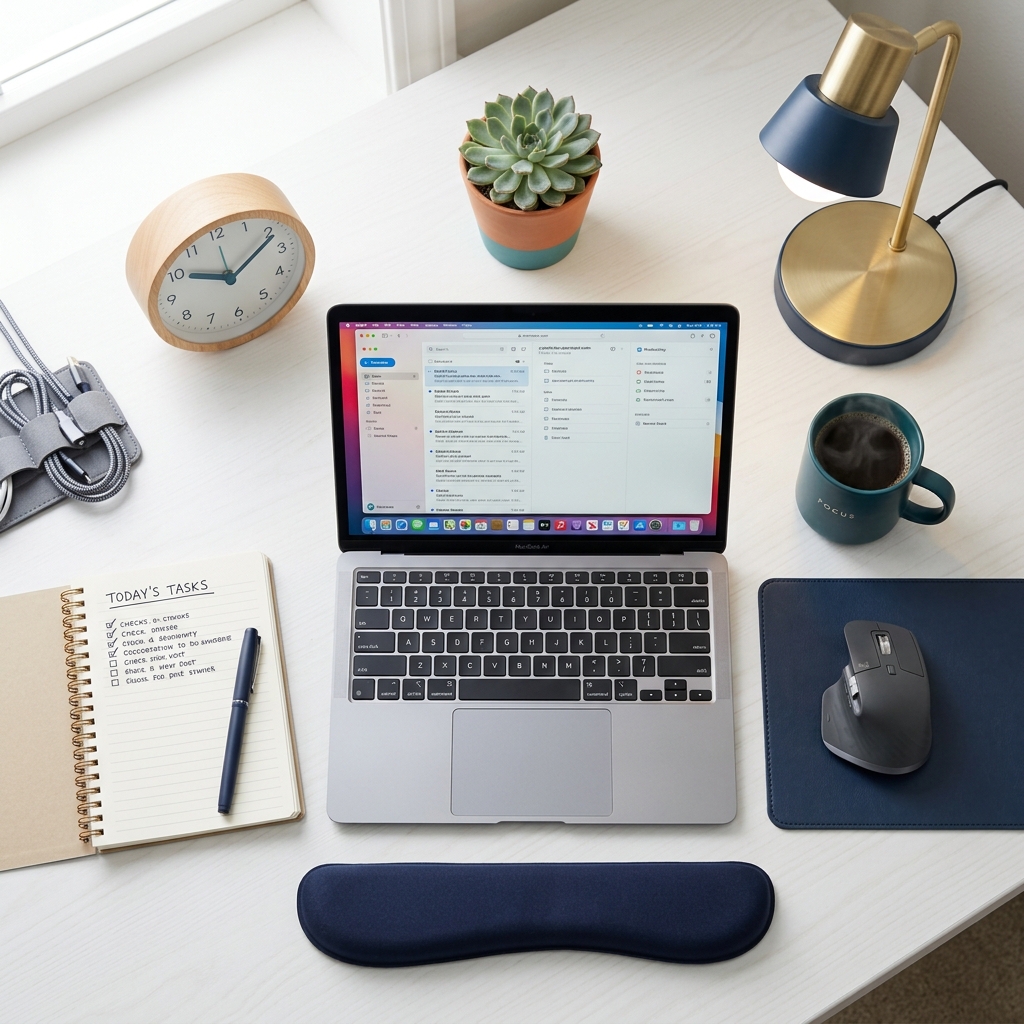
Working from home sounds great in theory. In practice, that kitchen chair at the dining table isn’t cutting it anymore.
Whether you’re setting up your first dedicated home office or optimizing an existing one, this checklist covers everything — from the critical ergonomic essentials to the productivity-boosting extras most people skip.
Why Your WFH Setup Matters More Than Your Office Setup
In a corporate office, someone (hopefully) designed the space with ergonomics in mind. At home, you’re entirely responsible — and most people default to whatever is convenient rather than what’s healthy or productive.
The consequence? Remote workers report 40% higher rates of musculoskeletal pain than office-based workers, largely due to improvised workspaces.
This checklist fixes that.
Section 1: Ergonomic Foundation (Non-Negotiable)
These are the items that directly impact your physical health. Get these right first.
✅ Chair — The Most Important Investment
Your chair should have:
- Adjustable seat height (so feet are flat)
- Lumbar support that hits your lower back at belt height
- Adjustable armrests (elbows at 90° when resting)
- Seat depth adjustment or at least 2 inches of space behind your kneecap
- Breathable mesh or fabric back
Budget version: Add a pressure relief cushion to an existing chair to significantly improve comfort and support at a fraction of the cost of a new chair.
✅ Desk — Height Is Everything
- Desk height matches your elbow height when seated (typically 28–30 inches)
- Large enough for monitor, keyboard, mouse, and notepad
- No sharp desk edges cutting into your wrists
- Cable management solution in place
Bonus: A height-adjustable (sit-stand) desk lets you alternate between sitting and standing — one of the most effective ways to combat prolonged sitting. See standing desk vs sitting desk for a full comparison.
✅ Monitor Setup
- External monitor or laptop stand (not just laptop screen alone)
- Monitor top at or just below eye level
- 20–30 inches from face (arm’s length)
- Perpendicular to window (to avoid glare)
Read the full guide: Monitor Height & Ergonomics
✅ Keyboard & Mouse
- Keyboard at elbow height — no shoulder shrugging
- Mouse close to keyboard — no reaching
- Wrist rest for breaks (not while actively typing)
- Mechanical or low-travel keyboard if typing many hours
Section 2: Tech & Connectivity
A slow or unreliable tech setup destroys productivity. These are the essentials:
Internet & Power
- Wired ethernet (or WiFi 6 router close to workspace)
- UPS (Uninterruptible Power Supply) or surge protector
- Sufficient power outlets — no extension cord overload
Audio & Video (Now Required for Remote Work)
- External webcam (720p minimum, 1080p recommended)
- Dedicated microphone or headset with noise cancellation
- Ring light or LED desk lamp for video calls
- Headphones (for deep focus blocks)
Display
- External monitor (27”+ recommended for desk work)
- Consider dual-monitor setup for multitasking roles
- Blue light filter or screen protector
Section 3: Lighting
Lighting affects focus, eye strain, and even mood. Don’t neglect this.
- Primary light source NOT directly behind your monitor
- Desk lamp with adjustable color temperature (warm for evenings)
- Blackout blinds or anti-glare curtains if facing a window
- Ambient light at 300–500 lux for general work
- No bare bulbs in your direct line of sight
Section 4: Organization & Space
Clutter creates cognitive load. A clean workspace helps you stay focused.
- Dedicated cable management (tray, clips, or velcro straps)
- Monitor arm to free desk surface space
- Desk organizer for pens, notes, small items
- Vertical file organizer for paper documents
- Everything has a “home” — you should never need to hunt for anything
Section 5: Wellbeing Items (Overlooked but High Impact)
- Quality seat cushion → reduces pressure on coccyx and sit bones after hour 3 and beyond
- Footrest (if feet don’t comfortably reach the floor)
- Anti-fatigue mat if you use a standing desk
- Desktop plant (studies show 15% productivity boost and stress reduction)
- Water bottle within reach — dehydration amplifies fatigue
- Physical notebook + pen for capturing ideas without switching screens
Section 6: Habits & Environment
Even the perfect setup fails without the right habits:
- Dedicated start and end time for work
- Closed door or “do not disturb” signal for household members
- 30-minute “no tech” morning buffer before starting work
- Pomodoro or time-block schedule applied
- Standing / walking break every 45-60 minutes
The 5 Most Common WFH Setup Mistakes
| Mistake | Why It Hurts | Quick Fix |
|---|---|---|
| Laptop on dining table | Screen too low, chair wrong height | Add monitor stand + chair cushion |
| Couch or bed working | Worst ergonomics possible | Never for extended sessions |
| No dedicated lighting | Eye strain, video call quality | $30 desk lamp fixes this |
| Earbuds all day | Ear fatigue, tinnitus risk | Use over-ear headphones with breaks |
| No movement breaks | Pain, stiffness, reduced focus | Set a timer every 45 min |
Your WFH Setup Priority Order
If you’re setting up from scratch with a budget, here’s the order of investment:
- Chair (or seat cushion upgrade) — most hours spent here
- Monitor or laptop stand — protects your neck/eyes
- External keyboard + mouse — prevents wrist issues
- Lighting — eye strain prevention + video quality
- Desk (height-adjustable if budget allows) — long-term optimization
For the full ergonomic breakdown of each element, see the Ultimate Ergonomic Desk Setup Guide.
Found this useful? Bookmark it and share it with remote teammates — their backs will thank you.